How to Request Accommodations
Step 1: Log in to Accommodate using your student log in information.
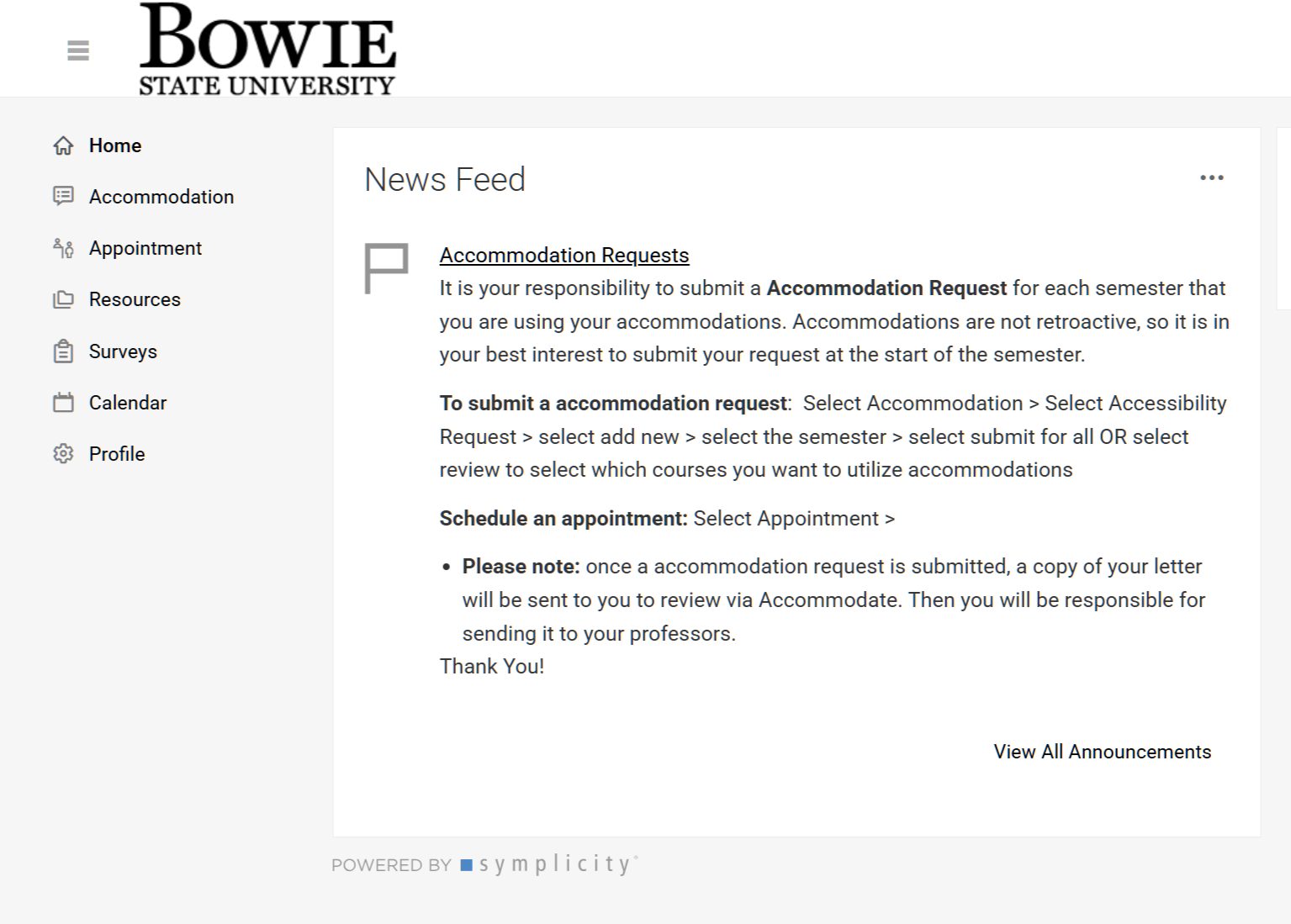
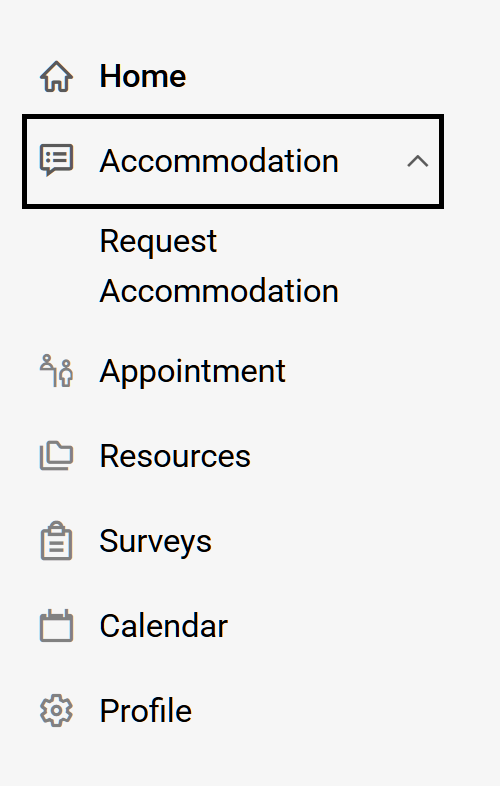
Step 2: Click on “Accommodation” then "Request Accommodation", which takes you to the DSS Accommodation form.
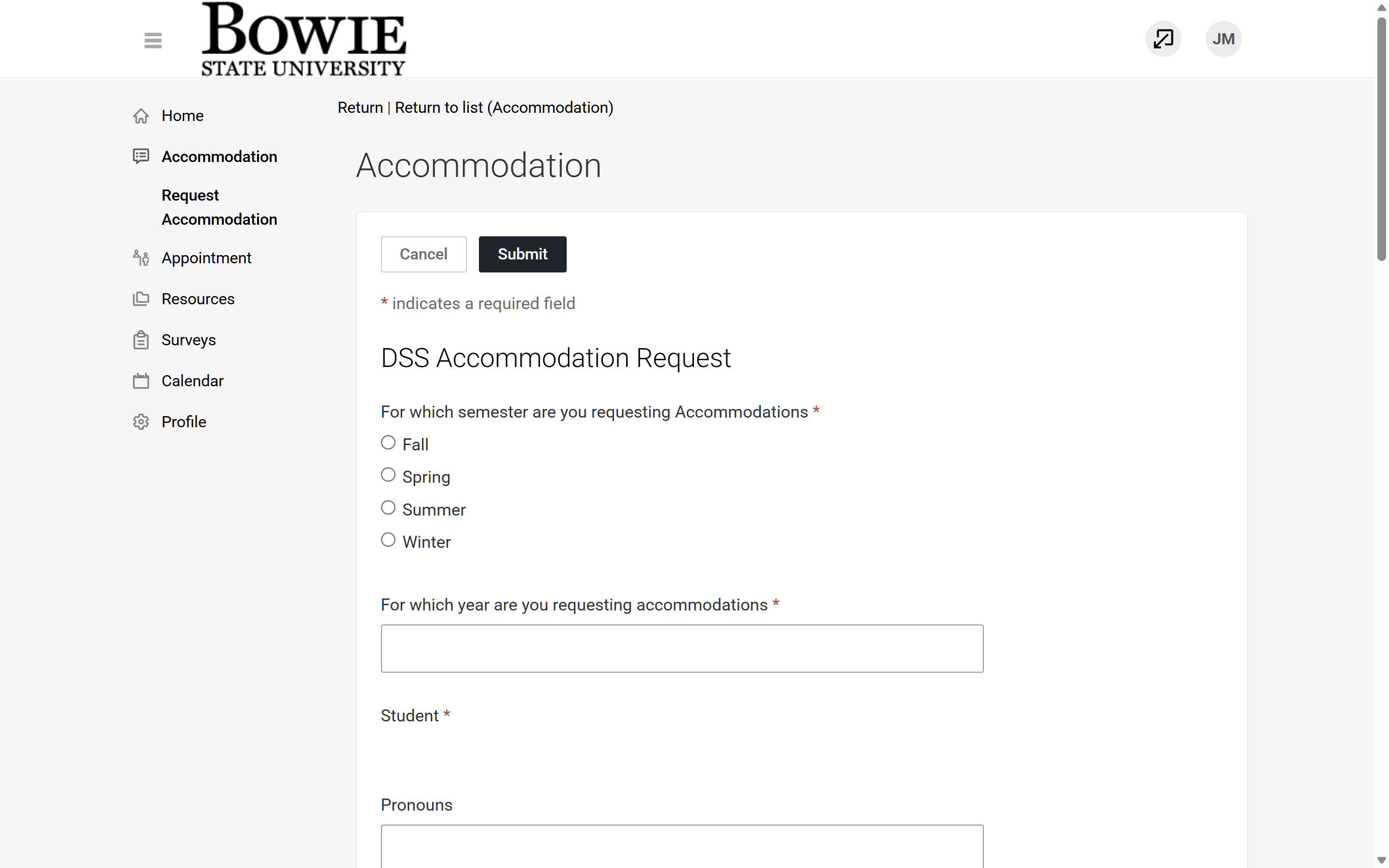
Step 3: Fill out the form, making sure you complete the requited field. Click "Submit" after you fully complete the form.